It Is 9:47 p.m. and the Thermostat Reads 58
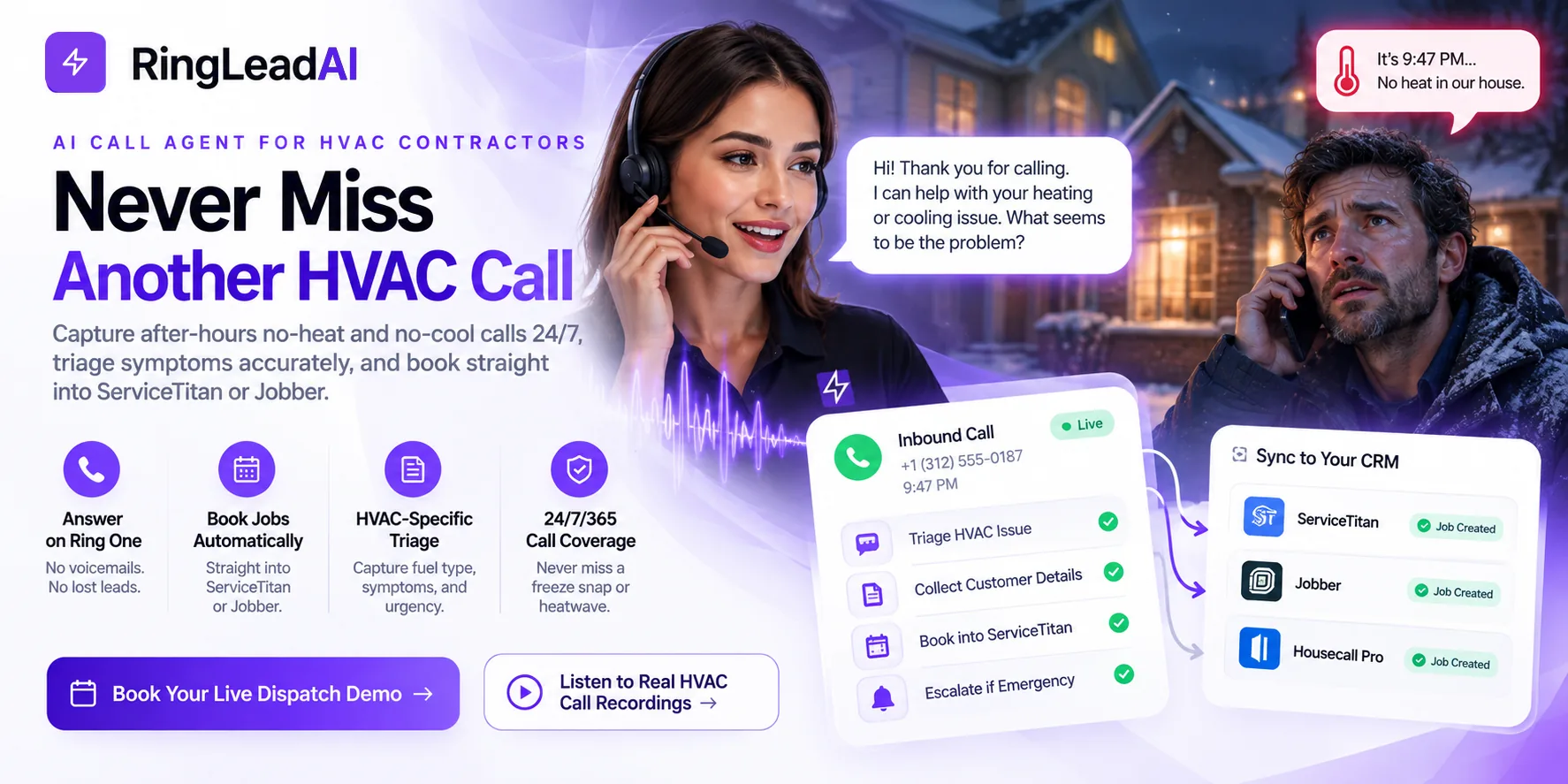
Outside it is 18 degrees and dropping. A homeowner walks to the thermostat, sees 58, and hears nothing from the basement. They pick up their phone and dial your main line.
Your office closed at 5:00. The call rings four times, hits an automated greeting, and asks them to leave a message for the on-call tech.
Click.
They do not leave a message. They tap the next listing and call the shop three miles down the road.
A no-heat call at 9:47 p.m. does not leave a voicemail. It leaves a competitor a new customer.
Heating and cooling equipment does not keep office hours. Run capacitors fail at 8:30 p.m. Cracked heat exchangers trip rollout switches at midnight. Frozen evaporator coils start dripping into the pan at 5:30 on a Sunday morning. An AI call agent answers those calls, works out what actually failed, quotes your diagnostic fee, and either books the slot or puts your on-call tech on the line.
Audit Your Own Phone Log Before You Believe Any Vendor
Vendors sell this category with industry averages — the share of callers who abandon voicemail, the share of demand that lands after hours. You do not need them, and you should be wary of them. Your own call log is better evidence and it is already sitting in your phone system.
Pull the last ninety days and count what happened in two windows:
- The morning dispatch rush (7:30 a.m. – 10:00 a.m.): office staff are dispatching trucks, taking payments and fielding tech questions while three lines ring at once. Count the calls that rang out.
- Everything after 5:00 p.m., plus weekends: count the calls that reached voicemail, then count how many of those left a message. The gap between those two numbers is the part of the problem nobody is tracking.
Run the same count during your worst week of the year: the first hard freeze, or the August heat dome. Peak-season intake is where the leak is widest, because that is when your dispatchers are most buried and your demand is highest at the same moment.
What a Missed No-Heat Call Actually Costs
A missed call is never just a missed trip charge. It is the diagnostic you did not bill, the aging system you did not get to quote, and the maintenance customer you never acquired.
Worked example — the inputs are assumptions, so replace them with the numbers from your own audit. A mid-sized shop running four to six trucks:
| Input | Assumption |
|---|---|
| Uncaptured calls per month | 20 (under one a day) |
| Qualified service inquiries | 50% — 10 calls |
| Booking rate on answered emergency calls | 40% — 8 jobs |
| Average repair ticket | $450 |
| Direct monthly recovery | $3,600 |
| Annualised | $43,200 |
That figure deliberately excludes replacement upside. If one of those twenty callers had a cracked heat exchanger or a seized compressor on an R-22 system, a single call adds five figures on its own — but replacement work is lumpy and seasonal, so it does not belong in a baseline you plan against.
The Monday-morning callback is the part contractors underestimate. By the time your office reopens, the homeowner is not waiting. They are holding another contractor's invoice from Saturday.
Why Voicemail and Generic Answering Services Fail the Trade
When a shop accepts that voicemail is losing work, it usually reaches for one of two replacements: an offshore answering service, or rotating an on-call phone between tired lead technicians. Both create their own friction.
A traditional call centre runs on shared labour. The agent taking your homeowner's call was booking a dental appointment a minute ago. When your customer says their heat pump is short-cycling and the condenser fan is not spinning, the note that reaches you reads: “Customer says heater broke, please call back.”
No system age. No check on whether a breaker tripped. No diagnostic fee quoted, because they are not authorised to quote it. And no booking, because they cannot see your board.
So your lead technician — ten hours into a day that included a thirty-degree attic — pulls over to call the customer back and schedule the visit by hand. That burns out your best people, produces sloppy dispatch records, and leaves the homeowner, who expected a time, holding a promise of a callback.
What the trade actually needs is intake that behaves like an experienced in-house dispatcher: answers instantly, captures the mechanical specifics, quotes your pricing, puts the job on the board, and wakes a technician only when something genuinely warrants it.
From Ring One to the Dispatch Board
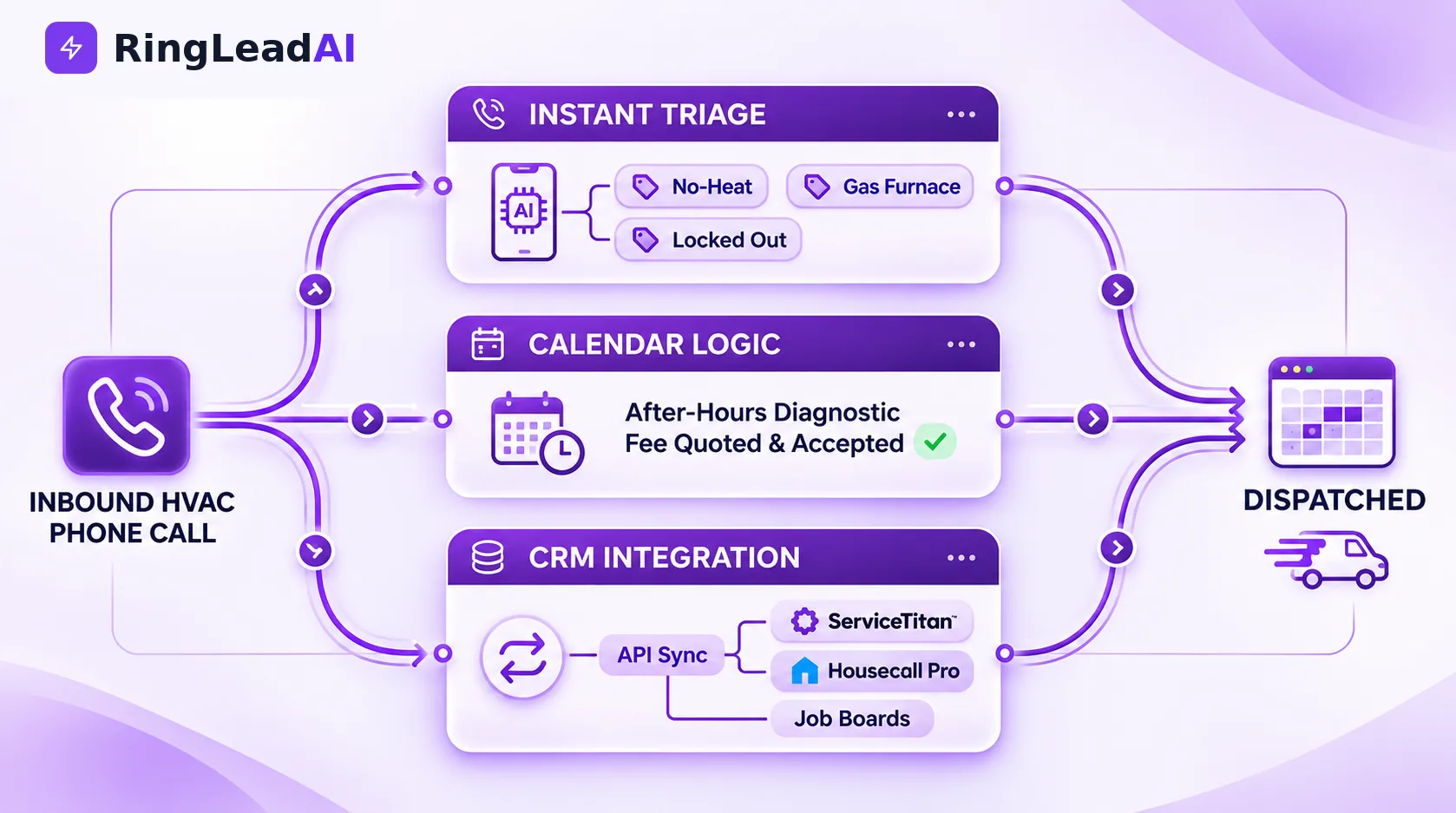
A voice tool in the trades lives or dies on dispatch accuracy. Double-book a zone, misquote an after-hours rate, or wake the on-call tech for a rattling return grille, and the service manager will pull it off the lines by morning. The flow below is built around that constraint.
Step 1: Answer, disclose, and offer a way out
The agent picks up on the first ring — no phone tree, no hold queue — and says plainly that it is an automated assistant and that the call is recorded.
Production greeting: “Thank you for calling [Company Name], serving [Primary Metro Area]. This is an automated assistant and this call is recorded. What is happening with your heating or cooling?”
A caller who says “human”, “agent” or presses 0 is transferred immediately. Keep the greeting under ten seconds: a homeowner in a cold house hangs up on a long one.
Step 2: Triage the mechanical failure, not the sentiment
This is where generic voice bots come apart — they treat a dead thermostat battery the same as a locked-rotor compressor. The agent works through a structured sequence instead of improvising.
It separates a total lockout (“no air at all”) from a capacity shortfall (“blowing lukewarm”), establishes the fuel source and equipment type, and screens for the hazards that change what happens next.
Step 3: Book it, or escalate it
Routine and next-day work gets a quoted diagnostic fee, explicit verbal acceptance, an arrival window and a confirmation text.
A genuine emergency skips the booking queue: the agent transfers to your on-call technician, and if nobody answers it takes a message and texts the caller's details to your team so the job is not lost.
HVAC-Specific Triage: What the Agent Extracts
The value is in the structure of what gets captured before a truck rolls. Four groups do most of the work:
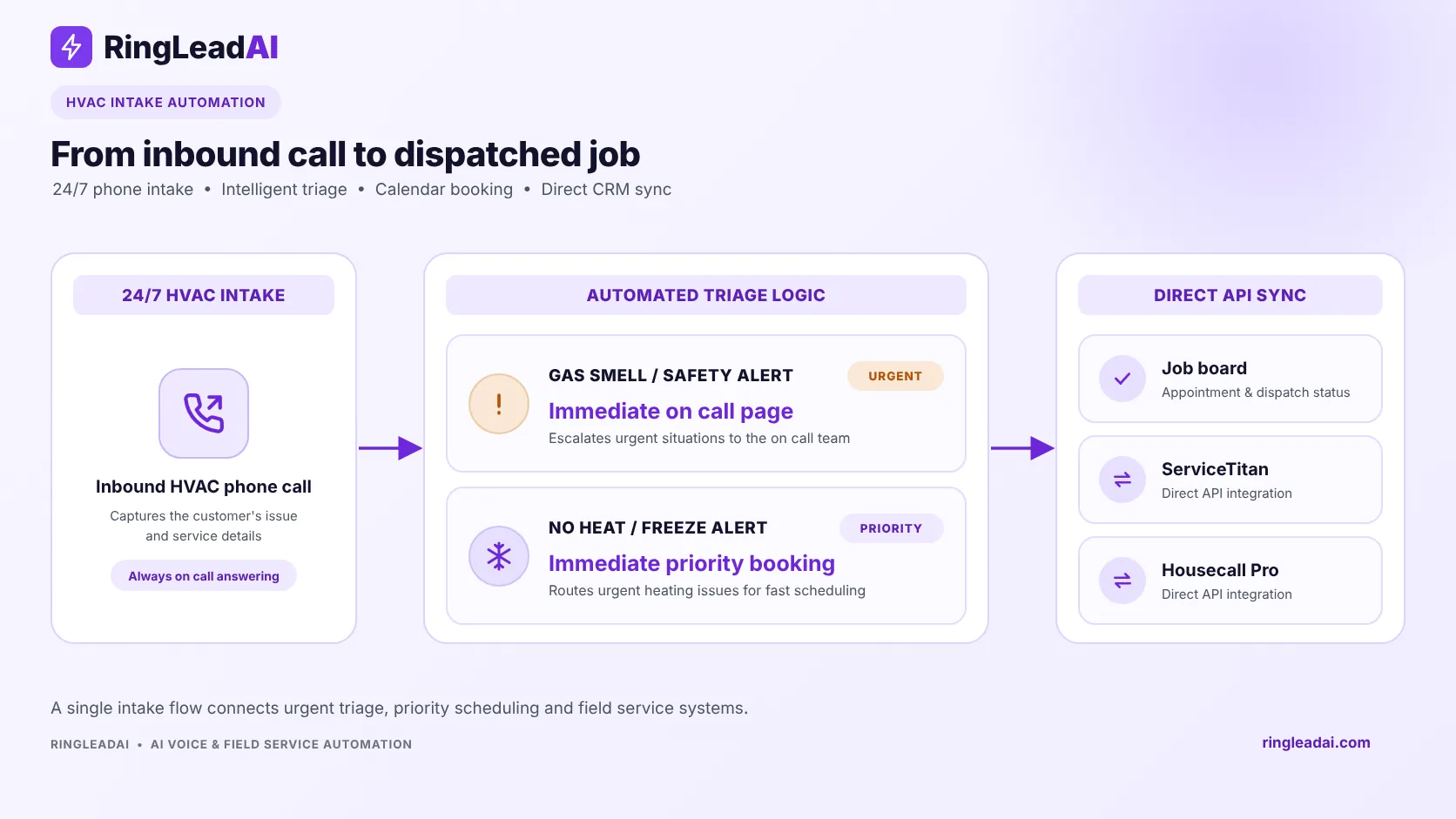
- Failure mode: a total system lockout and a capacity complaint send different technicians with different parts. “No air coming out at all” and “it is blowing but the house will not cool” are separate tickets.
- Fuel source and equipment profile: an 80% or 90%+ gas furnace, a dual-fuel heat pump, propane, electric strip heat, or a boiler. System age and unit location belong here too — an attic air handler in August is a different job from a basement furnace in January.
- Safety screening: the smell of gas or rotten eggs, a sounding carbon monoxide alarm, a scorched electrical smell, or water running through finished drywall. These change the call from a booking into an escalation.
- Customer history: whether the caller is already on a maintenance agreement, inside a parts-and-labour warranty, or has an open claim. The agent can look this up mid-call against your CRM where your plan includes API access.
One instruction earns its place on nearly every no-cool call: telling the homeowner to switch the thermostat to OFF before booking. It protects a compressor that would otherwise keep trying to start against a locked rotor, and it costs nothing to say.
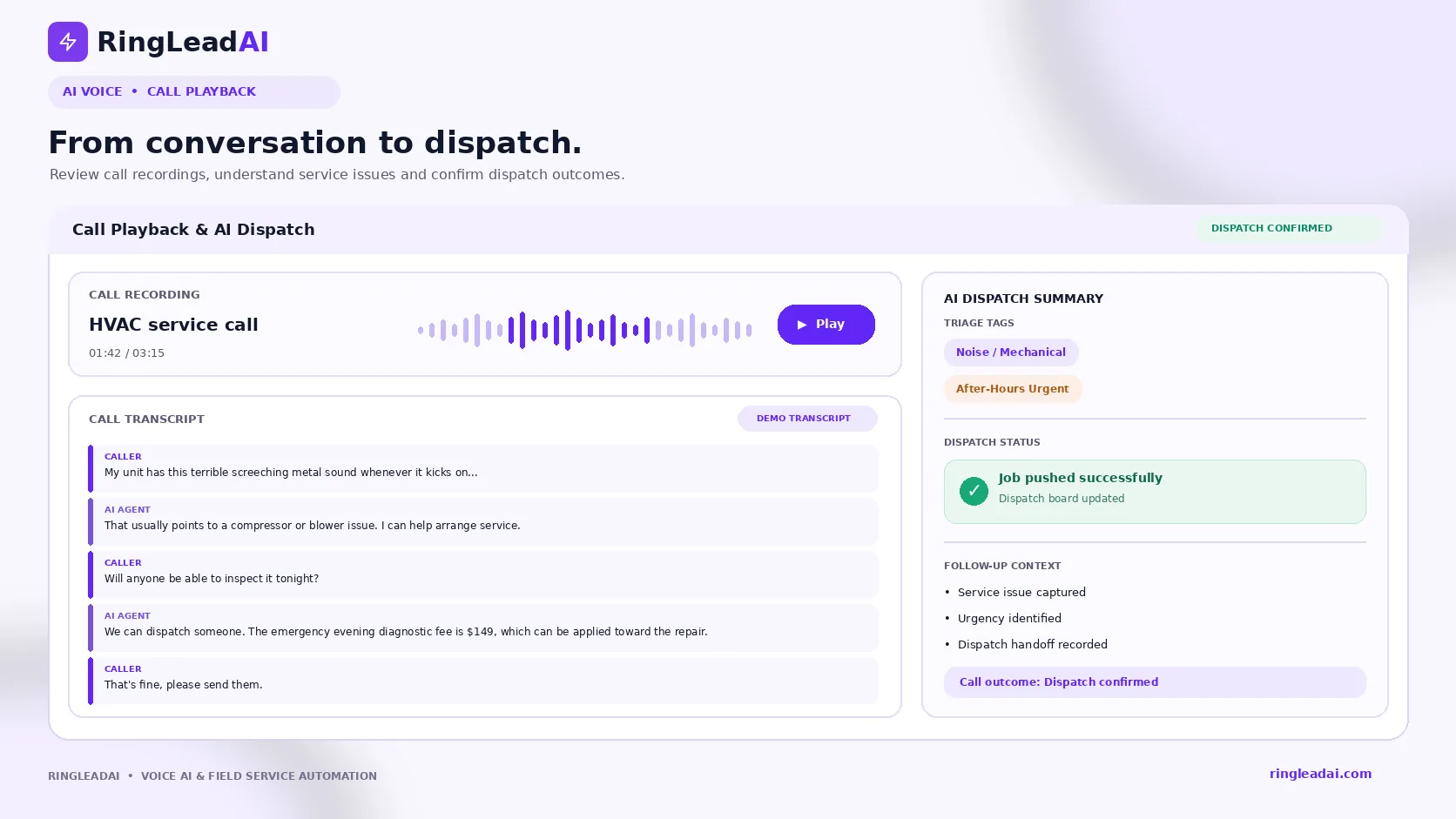
A Real Call, Annotated
What the caller hears on the left, what the system is doing on the right.
| Call audio | What the system is doing |
|---|---|
| “Thank you for calling Gulf Coast Comfort. I am an automated service dispatcher and this call is recorded. I can book a diagnostic visit or put you through to the on-call manager. What is happening?” | Ring-one intake and disclosure. States it is automated, states the recording, and offers a human immediately — by voice or keypress. |
| “My AC has run all afternoon but the house is 86 and climbing. The outside unit is making a terrible screeching metal sound.” | Triage. Captures the indoor temperature as a severity signal and flags the screech as a probable fan-motor bearing or compressor fault. |
| “That screeching usually means a failing condenser fan motor bearing or a compressor problem. To avoid permanent damage, please set your thermostat to OFF right now. Have you done that?” | Asset protection. Stops the unit before the compressor is destroyed by repeated start attempts — and confirms the caller actually did it. |
| “Okay, I just switched it off.” | Confirmed before moving on. |
| “Thank you. Is this for the address we have on file on Mariposa Bay?” | Address check against the caller's record, so the technician is sent to a verified service address. |
| “We have an on-call cooling technician in your area tonight. The evening emergency diagnostic is $149, which covers the full inspection. Do you approve that to book an arrival window between 9 and 11 p.m.?” | Commercial authorisation. Your fee is quoted and accepted on a recorded line before a truck rolls — which is what prevents the argument at the door. |
| “Yes, that is fine. We need it fixed tonight.” | Explicit consent captured in the transcript. |
| “You are confirmed. I have texted your confirmation and the arrival window.” | Execution: the job record goes to your board, the caller gets an SMS, and your on-call tech is notified. |
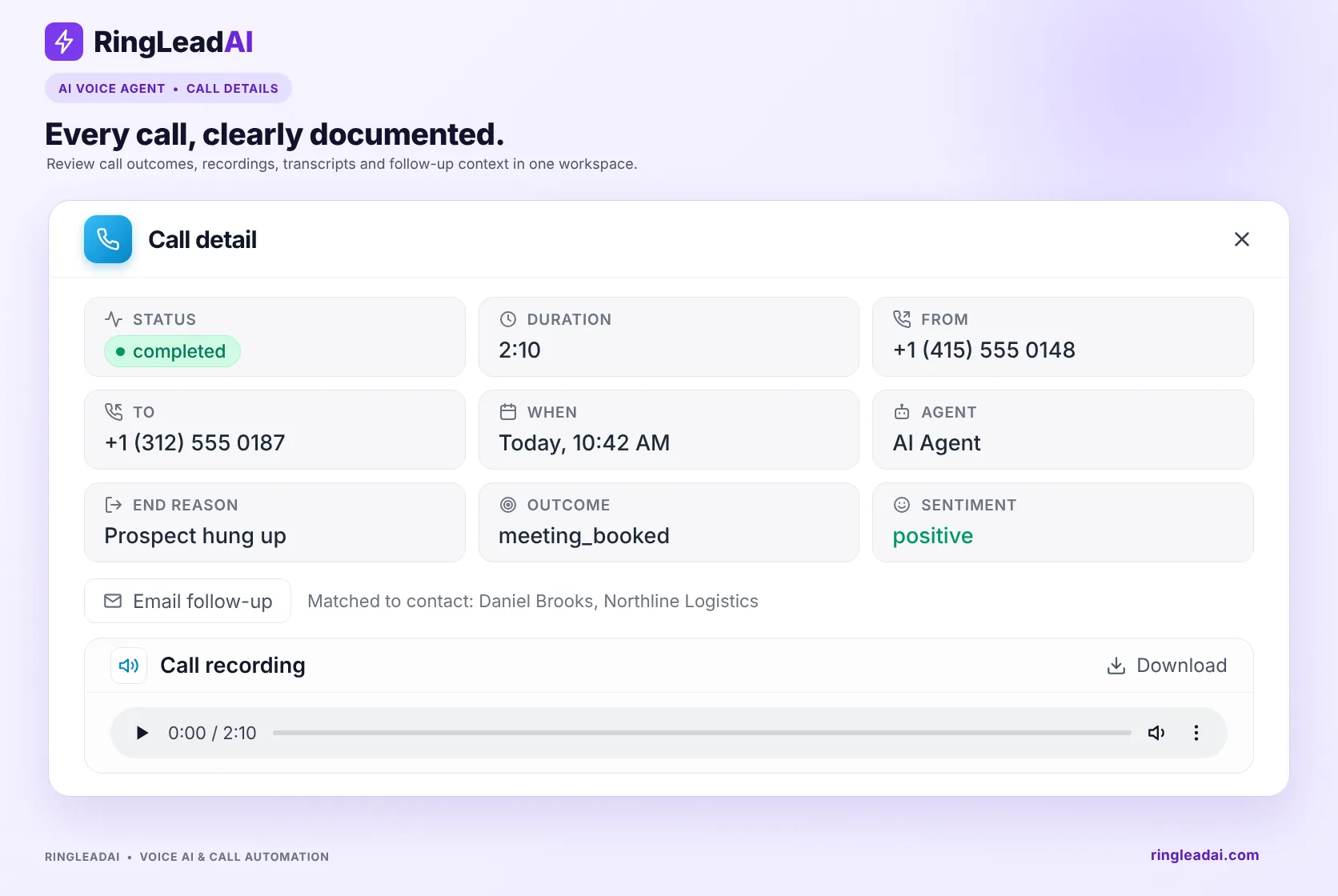
Two details separate this from a generic assistant: the agent protected the equipment before it sold anything, and it secured payment authorisation before dispatch. Both are dispatcher habits, and both have to be written into the prompt.
Connecting Voice to Dispatch
This is the question that decides whether the tool is useful or just another inbox, so it is worth being precise about what connects today.
What connects natively today:
- Booking: Cal.com, for offering real open slots and writing the appointment.
- CRM: Salesforce, HubSpot, Pipedrive and Close.
- Notifications: Slack, SMS from your own number, webhooks and Zapier — enough to put a dispatch card in front of your team the moment a call ends.
For field-service software, the practical pattern is the agent calling your FSM's API during the call through the API request tool, with webhooks passing the finished call record afterwards. It works, and it is configuration rather than a one-click install — budget time for it in your rollout.
Choosing How Your Shop Answers the Phone
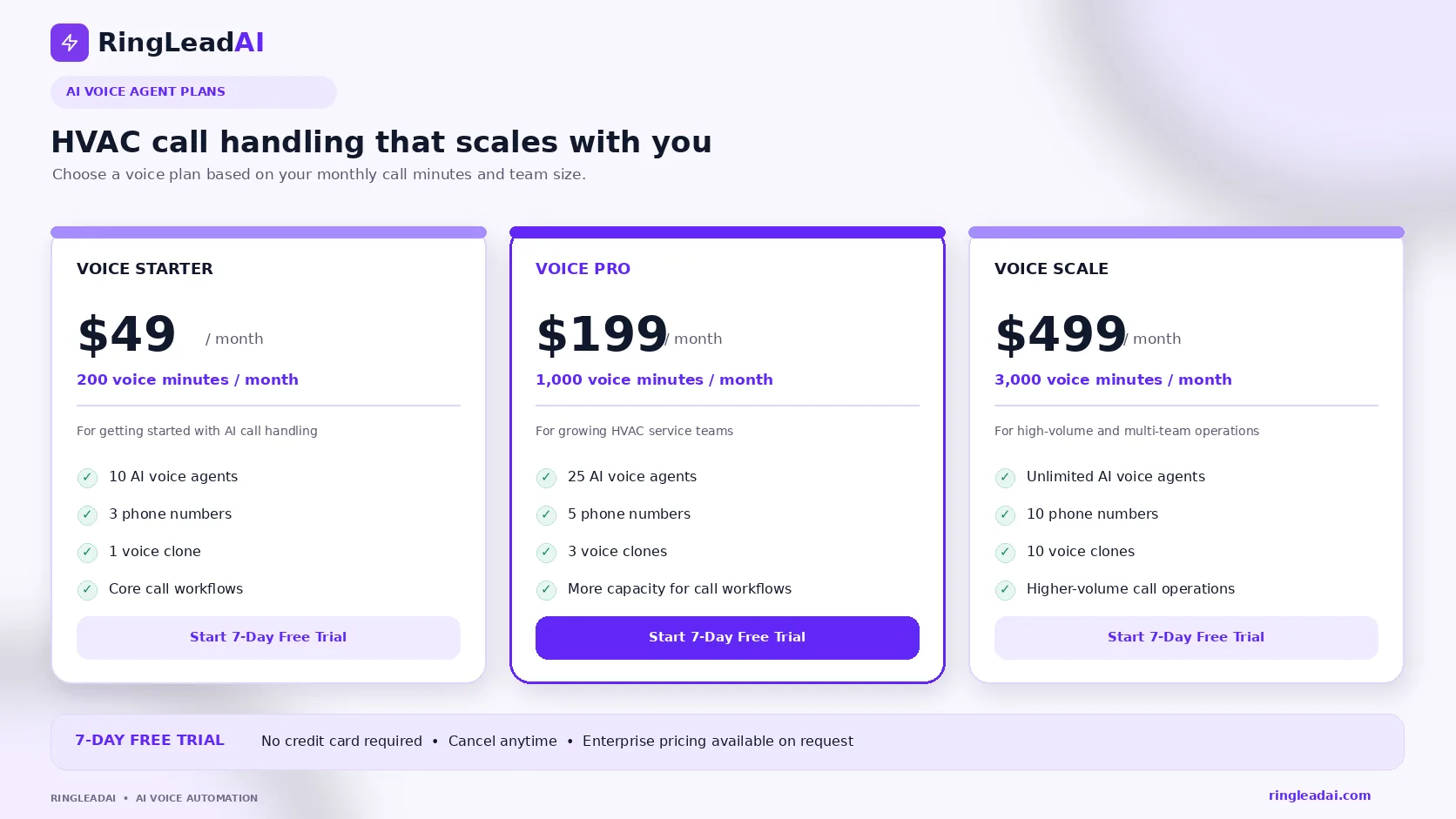
Every ring after 5:00 p.m. makes a financial decision for you. Three architectures, compared on what they can actually do:
| Capability | Voicemail | Answering service | AI call agent |
|---|---|---|---|
| Answer time | Rings out to a recording | Variable; queue holds during weather spikes | First ring |
| Trade knowledge | None | Generic scripts across many industries | Your prompt, your vocabulary, your triage tree |
| Quotes your diagnostic fee | No | Rarely authorised to | Yes, with verbal acceptance on the recording |
| Books the job | No | Message relay; office books it later | Yes, into connected booking and CRM |
| Emergency handling | None | Inconsistent; same queue as routine calls | Fixed safety rules, immediate transfer to on-call |
| Record of the call | Unstructured audio | Varies by vendor | Recording plus searchable transcript |
| Languages | One greeting | Depends who is on shift | 16, including Spanish |
Getting It Live
A basic after-hours setup goes live in days rather than weeks. The long pole is never the voice agent; it is agreeing your dispatch rules.
- Attach a number and write the intake prompt: your greeting, your service area, your triage questions, your escalation boundaries.
- Write down the rules you currently keep in your head: diagnostic fee by time of day, what counts as an emergency, which zips you cover after 6 p.m., who is on call and who backs them up.
- Test it in the browser: run the calls you actually get — the no-heat, the price shopper, the gas smell, the commercial caller you do not serve — and fix the prompt where it drifts.
- Forward after-hours and busy calls to it: start with overflow only. Keep business hours on your team until the transcripts stop surprising you.
- Then connect dispatch: booking and CRM first, your FSM through the API request tool once the call handling is right.
Review the transcripts weekly for the first month. The questions the agent could not answer — a manufacturer warranty policy, a duct-cleaning price — are your prompt's to-do list, and tightening it weekly is what moves the booking rate.