Answer Every Sales, Service, and Parts Call
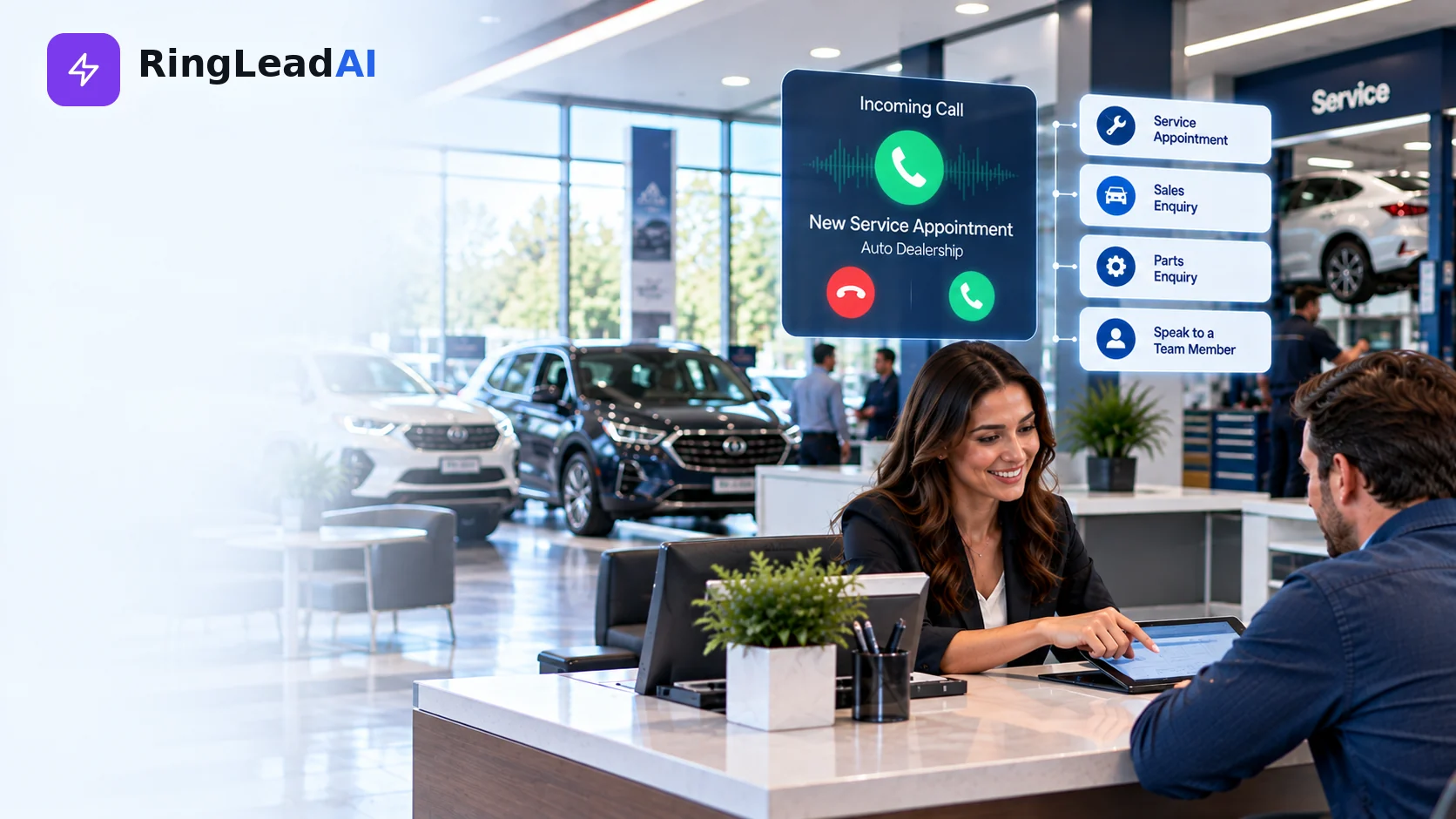
Service and sales calls often arrive when staff are already busy, and customers may not wait on hold — especially when they need an appointment or want to confirm a vehicle is available. In many stores, service and parts calls make up much of the inbound volume, which makes phone coverage central to fixed operations. Check your own call logs to see where yours land.
An AI call agent can answer routine enquiries, capture customer details, make the appointment ask, and escalate requests that need a person.
The objective is not simply to answer more calls. It is to convert more suitable enquiries into completed appointments and measurable dealership outcomes.
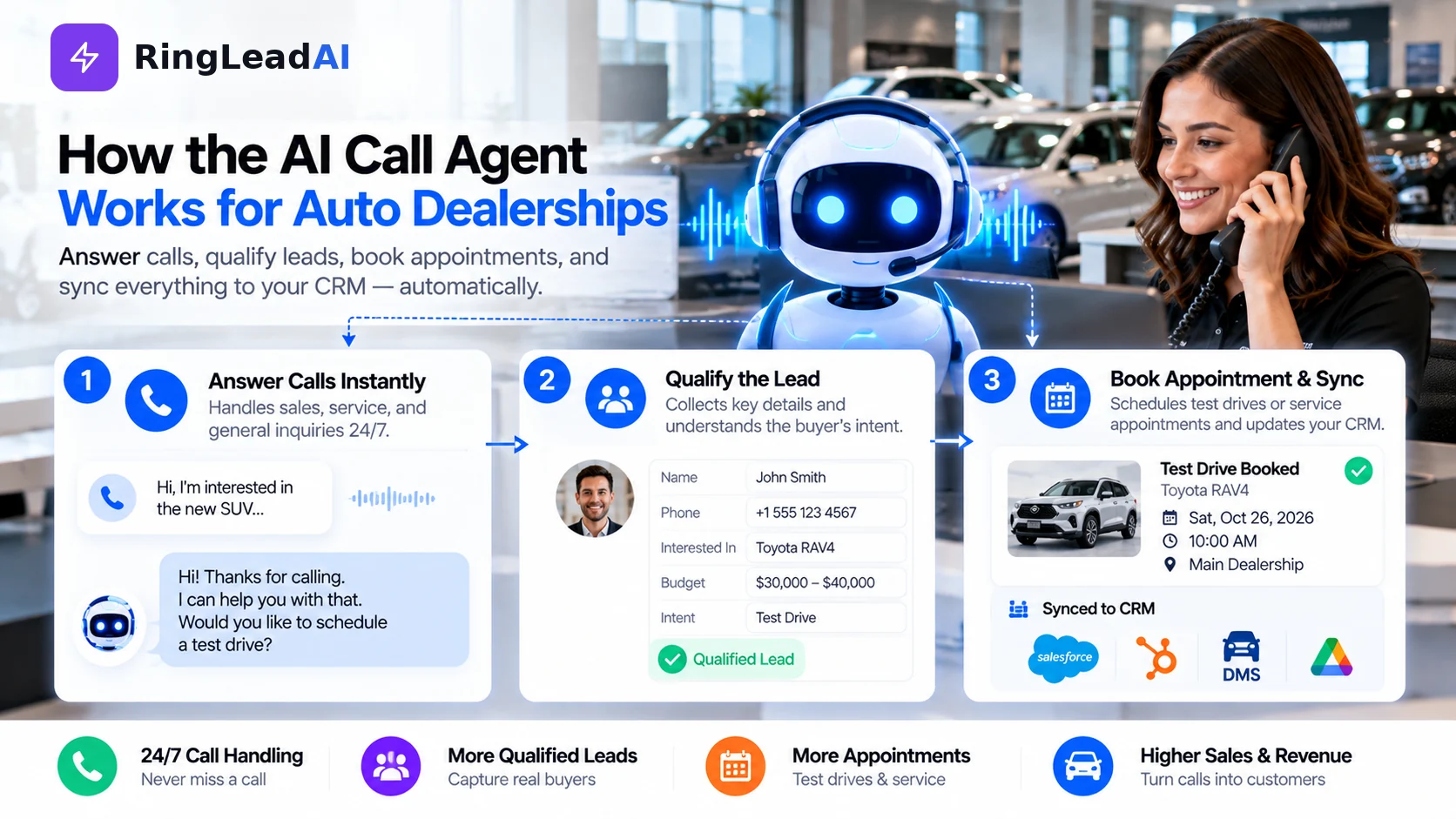
How the AI Call Agent Works in Three Steps
1. Answer incoming calls
An inbound agent answers on its own number; forward after-hours calls, lunch breaks, busy periods, or overflow to it. It identifies the caller's purpose, follows your greeting and the AI and recording announcement, and collects what's needed for the enquiry.
Looking up the caller's customer or vehicle record is possible only through the agent's API request tool, where your systems expose an API and you authorise it.
2. Qualify the enquiry by department
Service: vehicle details, mileage, the reported concern, preferred time, and loaner or shuttle needs.
Sales: the model or stock number, trade-in interest, and a test-drive ask — with inventory answers only from a connected, current feed.
Parts: year, make, model, VIN where appropriate, and the part needed, before giving approved information or routing the call.
Answers come from an approved knowledge base. If a price, availability detail, or policy can't be verified, the agent defers to the dealership team.
3. Book, transfer, and follow up
The agent can book through Cal.com and text a confirmation; direct booking into a dealer scheduler needs a connection built through the API request tool. Every call's recording, transcript, and summary lands in the Call Library, and leads sync to your CRM.
High-intent sales leads, complaints, and complex service enquiries are transferred to a person. If a transfer fails, the agent takes a message and texts the details to the right team member.
Built for Your Dealership Stack: Integrations and Setup
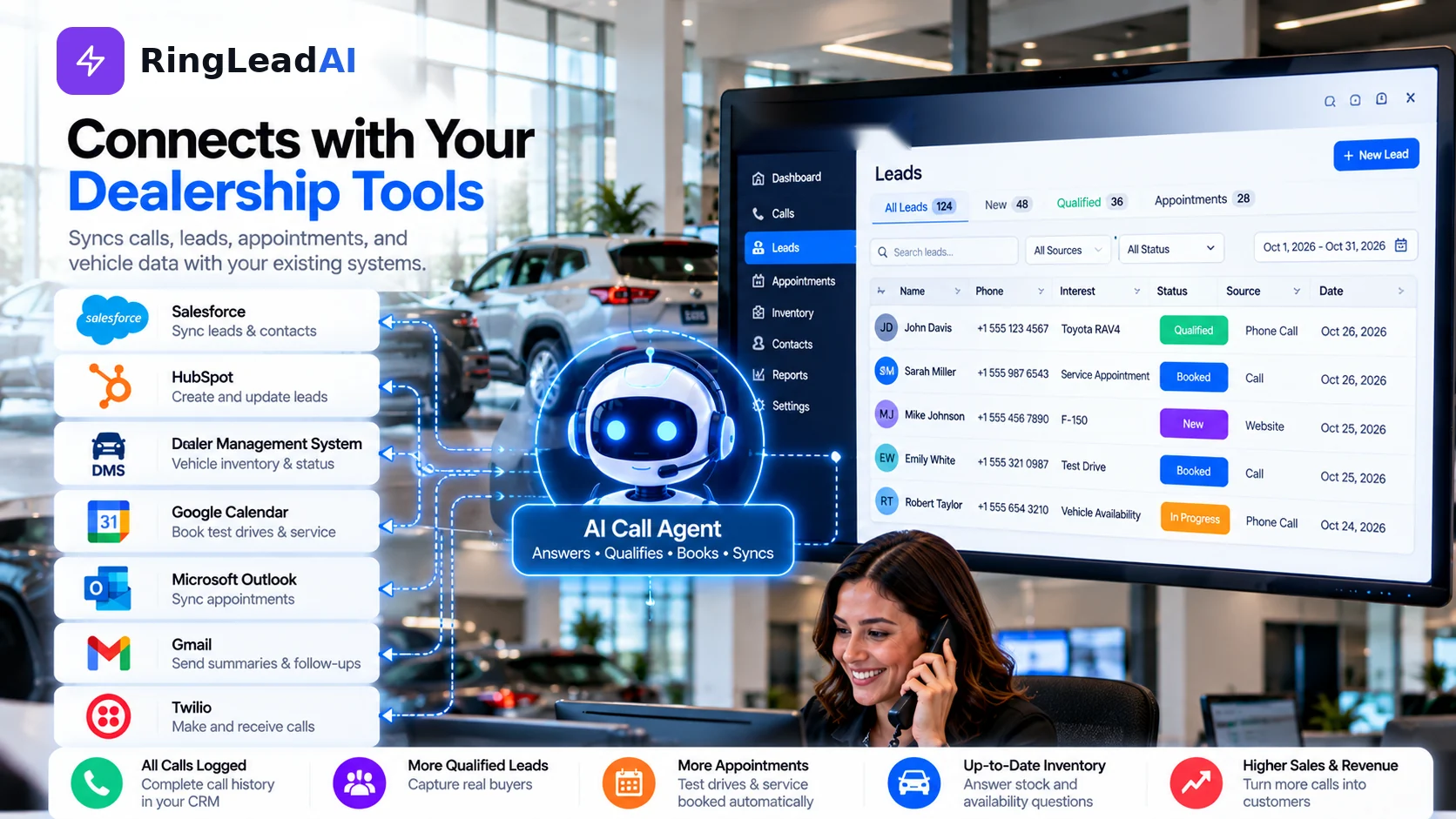
An AI call agent is more useful when it works with the systems your staff already use. What connects in RingLeadAI today:
- CRM: native sync with Salesforce, HubSpot, Pipedrive, and Close.
- Calendar: Cal.com booking during the call, syncing Google Calendar or Outlook.
- Everything else: signed webhooks and Zapier after each call, Slack alerts, and the agent's API request tool, which can call a dealer system or inventory feed during the call where it exposes an API.
Setup Checklist
- Call forwarding and department coverage hours.
- CRM, scheduler, and inventory access — and which connections you'll build.
- Appointment capacity and loaner rules.
- Approved prices, specials, and FAQs in the knowledge base.
- Human transfer and failed-transfer procedures.
- Recording, disclosure, consent, and data-retention requirements.
- Test calls covering routine and difficult scenarios.
Start with a limited rollout, review transcripts and bookings, and correct errors before expanding coverage.
Calculate the Potential Value of Recovered Calls
Base the financial case on appointments and completed business, not call volume. For service, estimate how many additional calls lead to booked appointments and completed repair orders; for sales, measure test-drive appointments, showroom visits, and attributable sales.
Compare the estimate with the full cost of the alternatives: BDC wages and employer costs, training, outsourced service fees, setup, and integration work.
Recovered-Call Value Calculator
Example values — replace them with your own figures.
Estimated impact
- Additional connected calls
- 300 / mo
- Additional appointments
- 105 / mo
- Appointments that show
- 84 / mo
- Associated RO revenue
- $29,400 / mo
- After AI cost
- $29,201 / mo
An estimate, not guaranteed revenue or profit: account for duplicate enquiries, existing demand, cancellations, no-shows, and the gap between a booked appointment and a completed RO.
Pricing and Plans
You should be able to see what you're paying for and compare it with your current call handling.
| What to check | RingLeadAI today |
|---|---|
| Plans and included minutes | Voice Starter $49/mo (200 voice minutes), Voice Pro $199/mo (1,000 voice minutes), Voice Scale $499/mo (3,000 voice minutes) |
| Departments | One agent and number per department — service, sales, parts — within your plan's agents and numbers |
| Simultaneous calls | Up to each agent's concurrency setting |
| Integrations | Cal.com and native CRMs; dealer systems through webhooks, Zapier, or the API request tool |
| Terms | 7-day free trial, no credit card, cancel anytime |
Current plans and terms are always on the pricing page.
AI Call Agent vs. Other Call-Handling Options
| Feature | AI call agent | In-house BDC | Outsourced answering service | IVR and voicemail |
|---|---|---|---|---|
| Coverage | 24/7 when configured | Depends on staffing | Depends on the service plan | Always on, but not a live agent |
| Simultaneous calls | Multiple, up to the configured concurrency | Limited by agent availability | Depends on provider capacity | Routes or records calls |
| Appointment booking | Cal.com; dealer schedulers through a built connection | Yes, with system access | Depends on access and workflow | No independent booking |
| Sales qualification | Lead capture; inventory answers only from a connected feed | Human-led qualification | Varies by provider | Limited to routing |
| Human handoff | Warm transfer with context | Human already on the line | Depends on provider | Follows routing rules |
| Records | Recording, transcript, and summary for every call | Depends on staff entry | Depends on integration | Usually limited |
| Cost model | Subscription — see pricing | Staffing and management costs | Per-call, per-minute, or monthly fees | Often included with phone service |
No option is automatically best for every dealership. An AI call agent may suit stores with recurring missed calls and after-hours demand; a BDC stays valuable for negotiation, complex enquiries, and relationships; outsourced services add live coverage; and IVR remains useful for basic routing.
What Should Dealerships Measure?
Compare a defined baseline period — 90 days works well — with the same period after launch:
| Metric | Why it matters |
|---|---|
| Connection rate | How many calls get a response |
| Appointments booked | Booking activity by department |
| Show rate | How many booked customers attend |
| Completed ROs | Connects service appointments to completed work |
| Sales outcomes | Visits and attributable vehicle sales |
| BDC hours saved | Change in routine call-handling workload |